







Website Backups for Charities: What They Cover and What They Do Not


Key takeaways
- A website is institutional infrastructure, and a nonprofit lacking a documented answer to "what happens if the site goes down?" has a governance gap, not only a technical one.
- Ask four questions of any platform: how often it backs up, how far back you can go, whether it restores the whole site or single items, and what is not covered.
- Platforms answer those questions differently. A backup that exists on one may be something you have to set up yourself on another.
- Check who can restore. On some platforms the staff who edit content cannot reach the backups at all.
- Create a restore point before any major structural change, so you have a known-good state to return to.
- Restoring a whole site to recover one deleted item undoes everything since, so restricted delete permissions and confirmation steps are more reliable than recovery.
- Keep separate copies of custom code and anything critical that a backup does not hold, and review the strategy annually.
Summary
What a website backup covers for a charity or nonprofit, the four questions to ask of any platform, what backups leave out, and how to write a strategy your Board can read.
A website backup is a copy of your site you can return to if something goes wrong, and what it actually covers varies by platform. Your charity or nonprofit website is institutional infrastructure, so it needs a plan for an accidental deletion, a broken update or a platform incident.
Many nonprofit Communications Directors do not know how their website is backed up, whether backups exist at all, or how to restore the site if something breaks. This is a governance gap. If your Board asked "what happens if the website goes down?" you should have a documented answer.
Find Out What Your Platform Does
Put four questions to your platform's documentation, your host or your developer:
- How often does it back up? On a schedule, on some other trigger, or only when someone remembers?
- How far back can we go? Does the number of restore points depend on your plan?
- Whole site or single items? Can you get back one deleted page, or only roll back everything?
- What is not covered? Content, code, form submissions and third-party services can each sit outside the backup.
Website Backup on WordPress, Wix, Squarespace and Webflow
The answers differ enough that one platform's habits will mislead you on another. Here is how four of them describe it.
- WordPress. WordPress's guidance says a backup has two parts, the database and the files, and a full restore needs both. Hosts may back up the server, but it tells owners to learn to back up and restore their own site. So a WordPress website backup is something to set up and test, whether through your host, a plugin or a backup service.
- Wix. Site history restores earlier versions, but doing so does not change your CMS content. Collections have separate backups, weekly and capped at three automatic copies. A Wix website backup is therefore two things.
- Squarespace. There is no auto-save or revision history when editing, and deleted pages and blog posts can be restored for 30 days. A Squarespace website backup mostly means the copies of text, images and code you keep yourself, as that article advises.
- Webflow. A restore point is made on every fiftieth auto-save, with no scheduled backups, and restoring means restoring the whole site.
An export is not a backup either. Squarespace's export leaves out most page types, drafts, styles and custom CSS, so read what yours omits before you count on it.
What Backups Do Not Cover
If restoring is all or nothing, recovering a deleted item (a blog post, a programme page, a team member profile) means restoring the whole site to a point before the deletion, which also undoes every change made since. This is why content governance matters: a clear process for who can delete content, and confirmation before destructive actions.
Third-party integrations and custom code in embeds are the other usual gap. If you have custom code that is critical to the site, keep a separate copy outside it.
Website Backup Strategy
Document what exists. Record the four answers and who holds full control of the site, because on some platforms the staff who maintain the site cannot reach the backups. Put this in your website governance policy.
Establish a pre-change backup process. Before anything structural (a navigation reorganisation, template changes or CMS restructuring), create a named restore point. It is a safety net against mistakes that would otherwise be hard to undo.
Maintain custom code separately. If your site uses custom JavaScript, CSS or schema markup, keep copies in a separate document or repository.
Review the strategy annually. Include backup and disaster recovery in your annual governance review, alongside your website maintenance checklist. Confirm that backups are accessible, that the person responsible for the site knows how to restore a previous version, and that the process is documented.
Disaster Recovery for a Charity Website
An accidental change: Restore a version from before the problem, previewing it first if your platform allows. Check who can do this before you need them.
An accidental deletion: Getting it back may mean restoring the whole site and losing every change made since. This is why prevention (restricted delete permissions, confirmation processes) is more reliable than recovery.
A platform outage: On a hosted platform, the provider manages the infrastructure, and outages can occur. If your organisation requires guaranteed uptime SLAs, evaluate this as part of platform selection.
The website governance policy guide sets out the framework these provisions belong in.
On Webflow? The platform-specific steps are in Platform Notes.
Next Step
Prevention comes before recovery, so settle next who should be able to edit your charity's website.
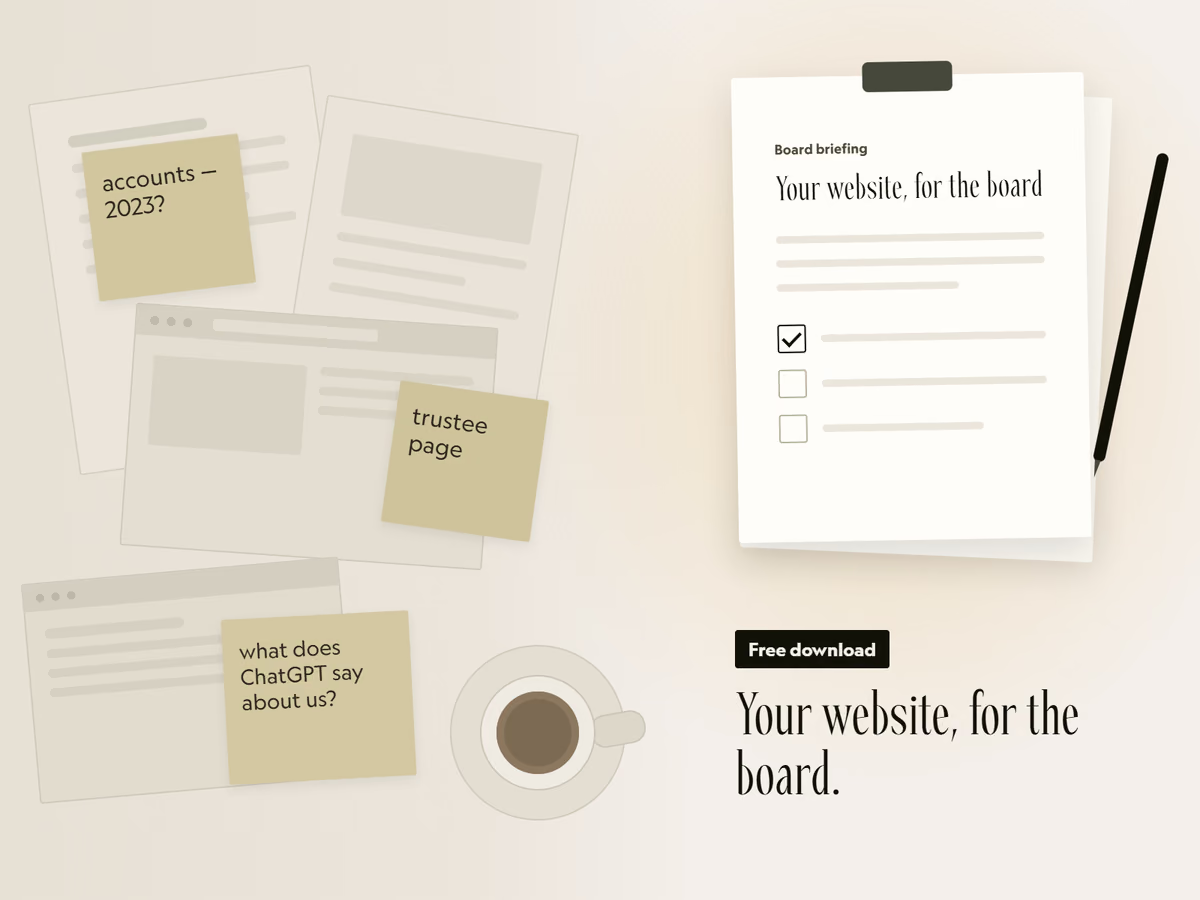
Free download
Your website, for the board.
A two-page briefing you can fill in and put in the next board pack. It covers the six things funders check, how to see what AI tools say about you, and the options to put to trustees.
That did not send. Email hello@socialectric.com and we will send you the briefing. The spam check did not finish. Try again, or email hello@socialectric.com and we will send you the briefing.
Frequently asked questions
- Does our website platform back up our site automatically?
It depends on the platform, and sometimes on the plan. Some keep restore points for you, some leave it to you or your host, and some keep no revision history at all. Ask the four questions in this guide, and check who at your organisation can actually reach the backups before you rely on them.
- Would we get our content back if someone deleted a blog post or a team profile?
Not always on its own. Some platforms restore only the whole site, so getting back one deleted item undoes every change made since. Others keep a time limit on deleted pages. That is why prevention is more reliable than recovery here: decide who should be able to edit your charity's website and delete content, and require confirmation before destructive actions.
- How frequently should a website backup be taken?
As often as the site changes, and always before a major change. WordPress's own guidance is weekly for a smaller site, daily for a high-activity one, and always before an upgrade. Some hosted platforms set the frequency themselves, so there is nothing to schedule and the question becomes whether their frequency is enough.
- What does a website backup cost?
Find out what your plan already includes first, because backup features may come with it. On WordPress, most hosts provide backup software. A separate website backup service sets its own price, so ask whether that price includes restoring the site or only storing the copy.
- Our Board asked what happens if our nonprofit website goes down. What should the answer be?
A documented one. Many nonprofit Communications Directors do not know how their website is backed up, whether backups exist at all, or how to restore the site, and that is a governance gap rather than a technical detail. Write down what your platform does and who can restore it in your website governance policy, along with the pre-change backup process, and review it annually.
- What does recovery look like if something goes seriously wrong?
It depends on what happened. For an accidental change, whoever holds full control of the site restores an earlier version, previewing it first if the platform allows. For an accidental deletion, recovery may mean restoring the whole site and losing later changes. For a platform outage, recovery is in the provider's hands; if your organisation needs a guaranteed uptime SLA, that belongs in platform selection rather than in disaster recovery.