Webflow Team Profiles for Nonprofits
Step-by-step guide to building CMS-managed team and board member profiles in Webflow — covering collection structure, template design, governance considerations, and what funders expect to see.

Webflow Team Profiles for Nonprofits
Named leadership and board member profiles are a critical credibility signal for institutional funders. The Charity Commission expects trustee information to be publicly available. Funders conducting due diligence check the team page to verify who runs the organisation, what their backgrounds are, and whether the governance structure is visible and credible.
Most nonprofit websites either have no team page, have a page with first names only, or have a static page that requires developer help to update when staff change. A CMS-managed team section solves all three problems.
Collection Field Structure
Create a CMS collection called ‘Team’ with the following fields:
Full Name (PlainText, required) — First and last name.
Role Title (PlainText, required) — Their job title or governance role (e.g. ‘Executive Director’, ‘Chair of Trustees’).
Biography (RichText) — Two to four paragraphs covering their background, relevant experience, and role in the organisation.
Profile Photo (Image) — Professional headshot. Consistent style across all profiles builds institutional credibility.
Team Category (Option: Staff, Trustees, Advisors) — Allows filtering on the team page. Funders specifically look for trustees, so this separation matters.
Display Order (Number) — Controls the order profiles appear. Use this to place leadership first without relying on alphabetical sorting.
LinkedIn URL (Link, optional) — For senior staff and trustees who want a professional link visible.
Email (Email, optional) — Only for staff who should be contactable via the website. Do not publish trustee personal emails.
Active (Switch) — Toggle profiles on and off without deleting them. When someone leaves, switch them to inactive rather than deleting. This preserves the CMS record for institutional memory.
Template Page Design
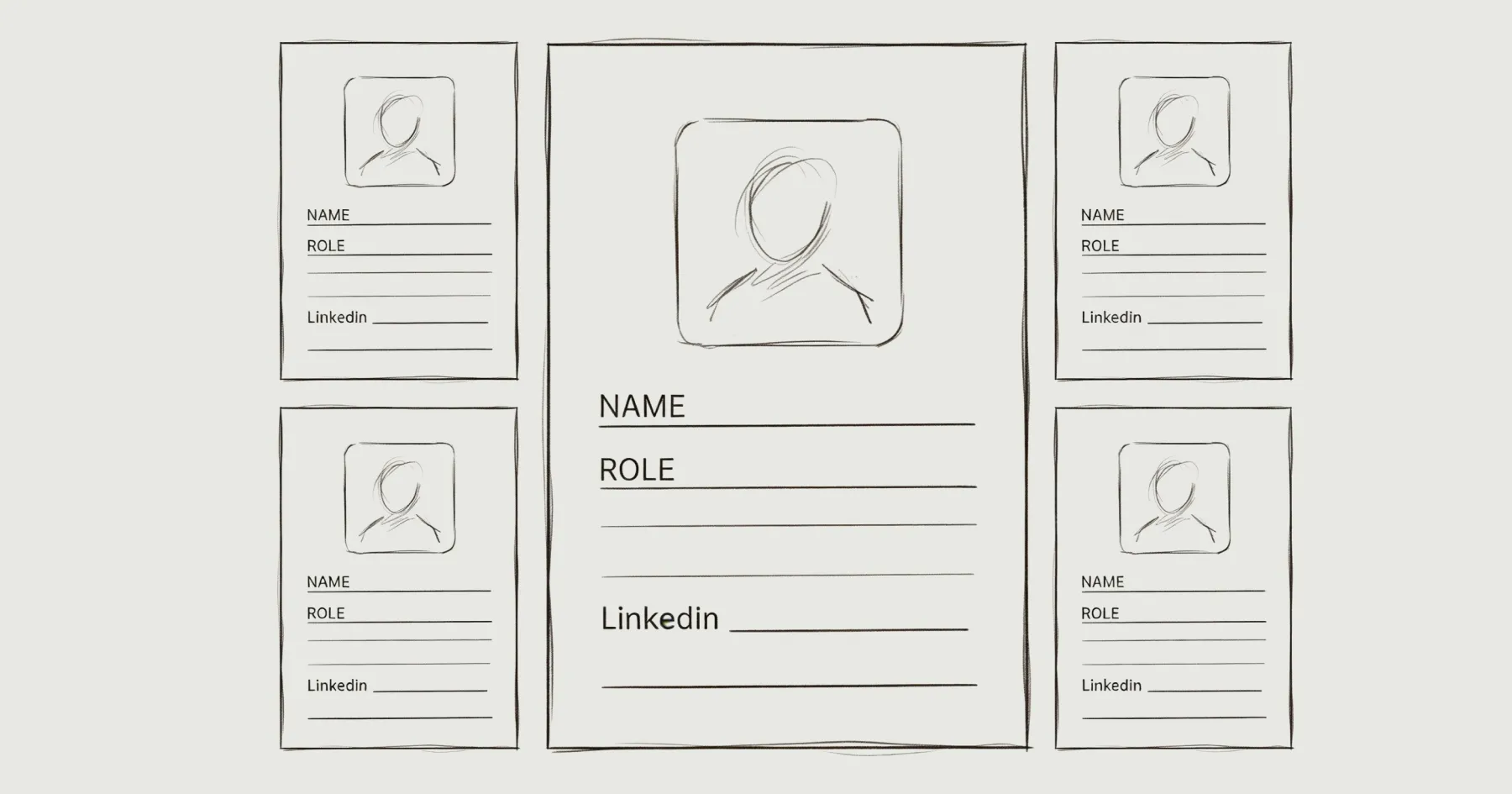
Each team member gets a dedicated page with their photo, name, role, and biography. This page is what funders and journalists land on when they search for your leadership team.
Include a link back to the full team listing and to the governance section. A funder who finds a trustee profile should be one click from the annual report and governance documents.
Team Listing Page
Create a ‘Team’ or ‘Our People’ page with filtered sections: Leadership, Staff, and Trustees. Each section displays as a collection list filtered by Team Category and sorted by Display Order.
Separate the trustees visually from staff. Funders are specifically looking for governance leadership, and a mixed team page where trustees are buried among programme staff does not serve due diligence effectively.
Governance Considerations
Offboarding process. When someone leaves the organisation, their profile should be switched to inactive (not deleted) and removed from the published site within the same day. The governance policy should define who is responsible for this and the timeline. See Website Governance During a Leadership Transition.
Trustee disclosure. For UK-registered charities, trustee names are public record via the Charity Commission. Publishing them on your website with professional context demonstrates transparency. If trustees have concerns about visibility, discuss the governance obligation — the Charity Commission expects this information to be accessible.
Photo consistency. Professional headshots with a consistent style (same background, similar cropping, similar lighting) signal institutional seriousness. Mixed-quality photos — some professional, some casual selfies — undermine the credibility the team page is meant to build.
For the broader governance framework, see How to Create a Website Governance Policy. For what funders expect to see on the team page, see Why Your Nonprofit Website Fails Under Funder Scrutiny.
Eric Phung has 7 years of Webflow development experience, having built 100+ websites across industries including SaaS, e-commerce, professional services, and nonprofits. He specialises in nonprofit website migrations using the Lumos accessibility framework (v2.2.0+) with a focus on editorial independence and WCAG AA compliance. Current clients include WHO Foundation, Do Good Daniels Family Foundation, and Territorio de Zaguates. Based in Manchester, UK, Eric focuses exclusively on helping established nonprofits migrate from WordPress and Wix to maintainable Webflow infrastructure.
Not sure where your site currently stands?
A Blueprint Audit tells you exactly what needs to change — and why.
Before implementing anything new, it's worth knowing what your current site is and isn't doing for your stakeholders. The Blueprint Audit gives you that clarity in two to three weeks.
Related Resources
Webflow Team Profiles for Nonprofits
Step-by-step guide to building CMS-managed team and board member profiles in Webflow — covering collection structure, template design, governance considerations, and what funders expect to see.
Join our newsletter
Subscribe to my newsletter to receive latest news & updates
