






SSL and HTTPS: What Your Charity Needs to Check


Key takeaways
- An SSL certificate encrypts the connection between a visitor's browser and your website, switching the site to HTTPS. Any organisation asking for donations or collecting personal data needs one.
- HTTP pages trigger a "Not Secure" warning in Chrome, miss a confirmed (if lightweight) Google ranking signal, leave form data without the encryption UK GDPR Article 32 names as a security measure, and cannot take card payments.
- A certificate need not be a separate purchase. Let's Encrypt issues them free, and many hosts issue and renew one for you, so confirm whether yours does.
- Certificates expire. Find out who or what renews yours, because an expired certificate puts a security warning in front of every visitor.
- Even with a valid certificate, "mixed content" (anything still loaded over HTTP, often migrated images or third-party embeds) can trigger warnings or break part of a page.
- Subdomains pointed at other services, such as a donation platform, rely on that service's certificate.
Summary
What an SSL certificate does for a charity or nonprofit website, why it is required, what it should cost, how renewal works, and the short list of checks that confirm yours is working.
An SSL certificate is what lets a charity or nonprofit website load over HTTPS, so what passes between a visitor's browser and your site is encrypted. Most of this should be your host's job. Yours is to confirm it is being done, and this guide gives you the checks.
What Is an SSL Certificate and How Does It Work?
SSL (Secure Sockets Layer) has been replaced by TLS (Transport Layer Security), but the old name stuck. The certificate is a file issued by a certificate authority. It lets the browser confirm it has reached the right server, and the connection is then encrypted. An SSL certificate for a website is tied to its domain, so it has to cover the address visitors actually use.
Why an SSL Certificate Is Required on a Charity Website
- Browser warnings: Chrome has marked every HTTP page "Not Secure" in the address bar since July 2018, and Safari can be set to warn before connecting over HTTP. For an organisation asking for donations or collecting personal data, that warning undermines trust immediately.
- Google ranking signal: Google confirmed HTTPS as a ranking signal in 2014, describing it as "a very lightweight signal" affecting fewer than 1% of global queries.
- Data protection: If your site has forms (contact, donation, newsletter sign-up), SSL encrypts the data in transit. UK GDPR Article 32 names encryption of personal data as an appropriate security measure.
- Donations: Stripe requires payment pages to run on TLS 1.2 or above. A donation page on an HTTP site will not process payments.
What Good Looks Like
Your host issues the certificate, renews it without anyone being asked, and sends every HTTP request to HTTPS. Most modern hosts work this way. Cloudflare issues the necessary certificates when you add a custom domain, for example, and Webflow renews automatically while your DNS keeps pointing at it.
Ask your host or developer one question: who or what renews our certificate? If the answer is a named person or a yearly invoice, you have a date to manage.
What Your Charity Should Check
- The certificate. Open the site in Chrome, click the icon at the left of the address bar, and confirm that the connection is secure and the certificate is valid and not expired.
- The redirect. Type http://yourdomain.org in the browser. It should go straight to https://yourdomain.org. If it does not, raise it with your host.
- Both addresses. Repeat with and without www.
- Mixed content. Press F12 and look at the Console tab for messages referencing HTTP resources.
What Usually Goes Wrong on a Nonprofit Website
Mixed content. The page is secure but something on it loads over HTTP. Browsers upgrade some of these requests and block others, so you may see a warning or a broken script or embed. The usual causes are images with absolute HTTP addresses left over from a migration, third-party embeds, and custom code. The fix is to update each address to https://. Do not use a protocol-relative address (//example.com/image.jpg), which inherits the page's scheme rather than guaranteeing HTTPS.
"Your connection is not private" after a domain change. The DNS change has usually not finished spreading, or the certificate has not been issued yet. How to Connect Your Domain to Your Website Without Breaking Email covers the wait and the checks.
An expired certificate. This should not happen where the host renews automatically. If yours is renewed by hand, set a calendar reminder 30 days before expiry.
Subdomains. Each subdomain needs its own coverage. One pointed at an external service, such as donate.yourdomain.org, relies on that service's certificate, so check it as well.
On Webflow? The platform-specific steps are in Platform Notes.
Next Step
If your new site replaces an old one, your next job is keeping the old links alive with 301 redirects.
Related resources:
Free download
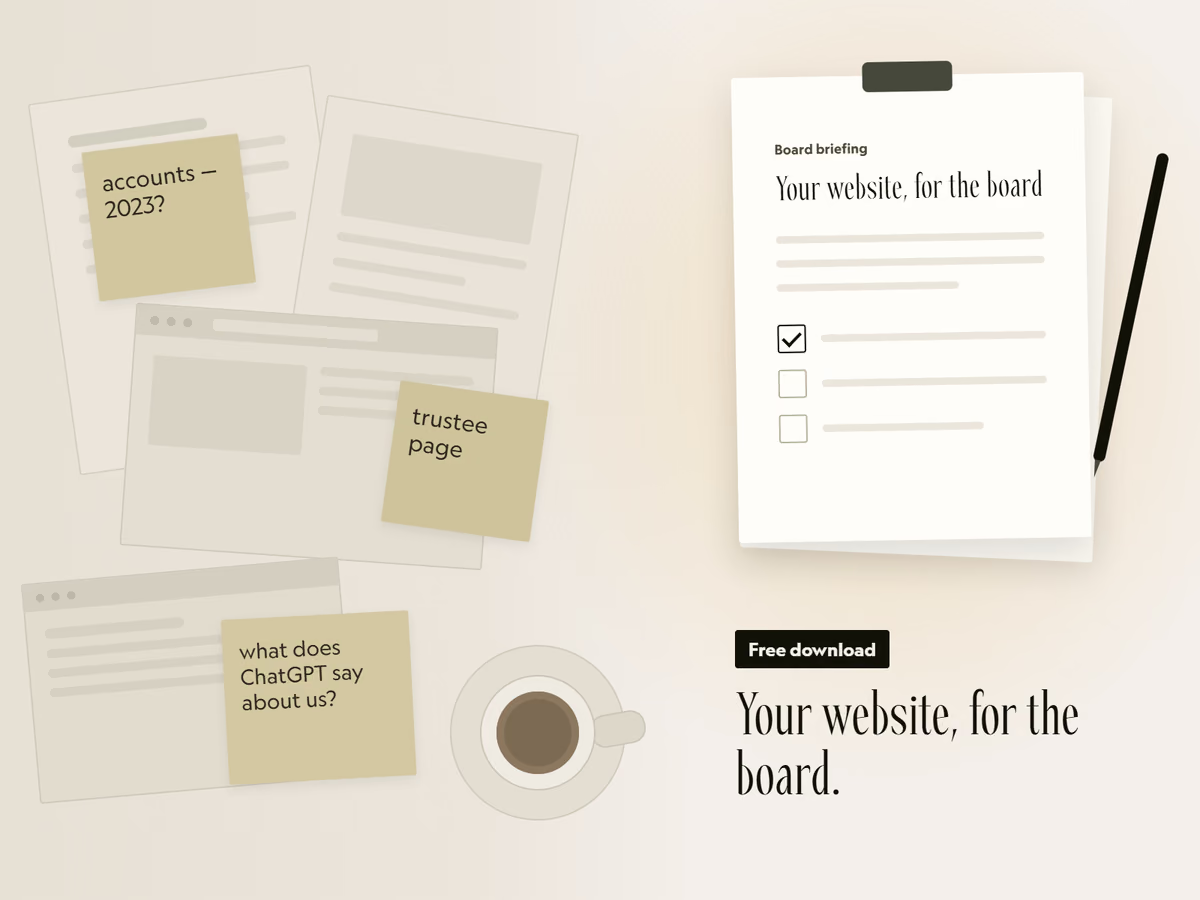
Your website, for the board.
A two-page briefing you can fill in and put in the next board pack. It covers the six things funders check, how to see what AI tools say about you, and the options to put to trustees.
That did not send. Email hello@socialectric.com and we will send you the briefing. The spam check did not finish. Try again, or email hello@socialectric.com and we will send you the briefing.
Frequently asked questions
- Does our charity website really need an SSL certificate?
Yes. Chrome marks every page served over HTTP as 'Not Secure' in the address bar, which undermines trust immediately for an organisation asking for donations or collecting personal data. HTTPS is also a confirmed Google ranking signal, encryption of personal data is named as an appropriate security measure under UK GDPR Article 32 (see the GDPR checklist for charity and nonprofit websites), and Stripe requires payment pages to run on TLS 1.2 or above, so a donation page on an HTTP site will not take payments.
- How much does an SSL certificate cost?
It can cost nothing. Let's Encrypt provides free certificates, though it notes that some hosting providers charge a small fee to cover their own administration. Paid certificates exist as well. Before you buy one or pay a renewal invoice, ask your host whether a certificate is already included in your plan.
- Do we have to renew an SSL certificate?
Yes, certificates expire, but renewal is usually automated when your host issues the certificate. Let's Encrypt certificates last 90 days by default, with renewal recommended every 60 days, which is why it is normally left to software. If a person renews yours by hand, set a calendar reminder 30 days before expiry.
- How do we check that HTTPS is actually working?
Visit the site in Chrome and click the icon at the left of the address bar. Check that it says the connection is secure, then open the certificate details to confirm it is valid and not expired. Also type your address with http:// at the front: it should redirect straight to the https:// version.
- Why does our site still show a security warning when SSL is on?
Almost always mixed content: the page is loading images, scripts or fonts over HTTP even though the page itself is served over HTTPS. Press F12, open the Console tab and look for messages referencing HTTP resources. The usual causes are images with absolute HTTP addresses left over from a migration, third-party embeds, and custom code. Fix it by updating those addresses to HTTPS.
- Our nonprofit changed domain and now gets 'Your connection is not private'. What is wrong?
Usually the DNS change has not finished spreading, or the certificate has not been issued yet. How to Connect Your Domain to Your Website Without Breaking Email sets out how long to allow and what to check if it persists.