Nonprofit Website Maintenance Schedule
A practical maintenance schedule for nonprofit websites — covering what to check weekly, monthly, quarterly, and annually to keep the site accurate, accessible, secure, and credible.
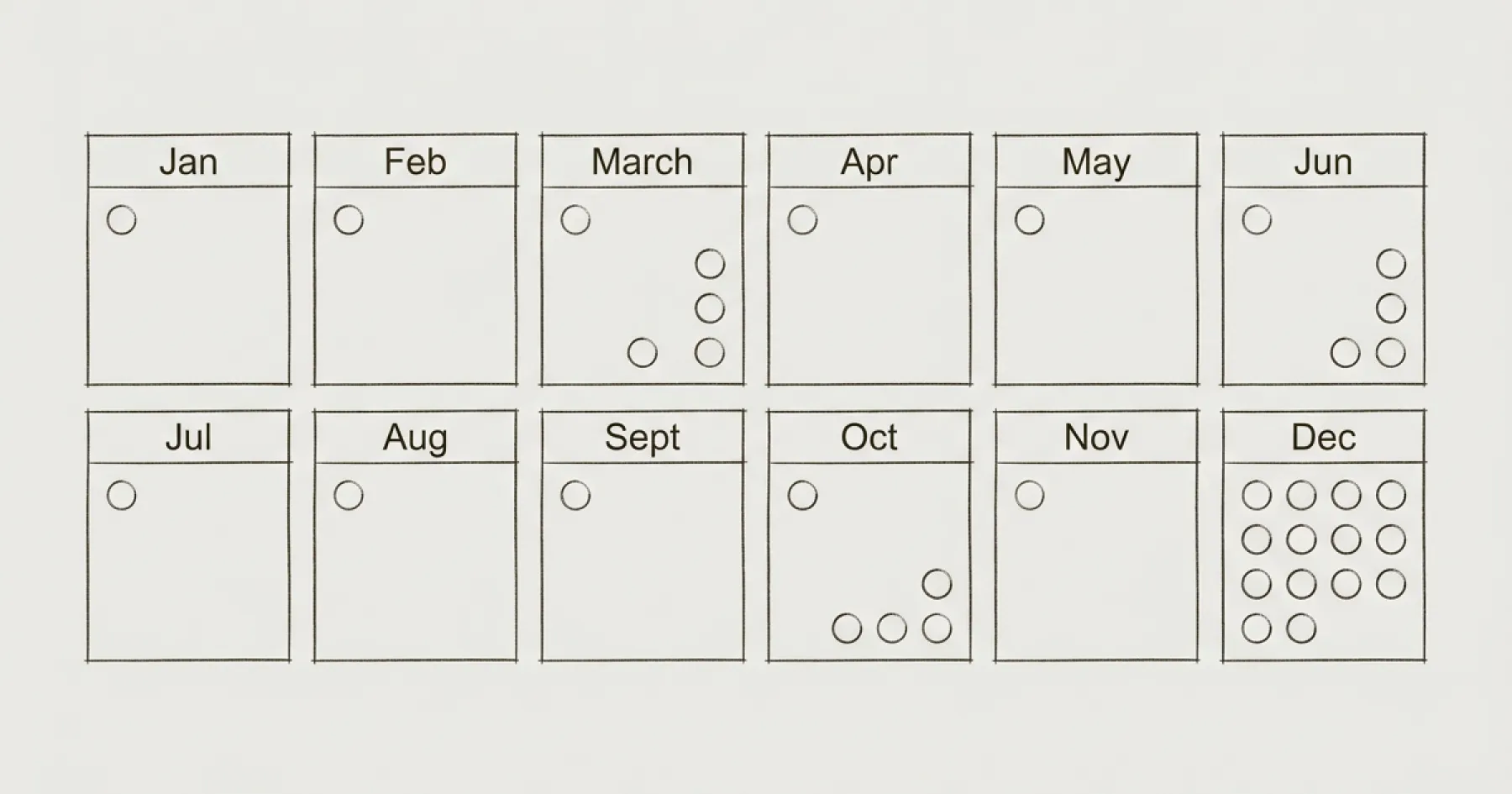

Nonprofit Website Maintenance Schedule
A website without a maintenance schedule deteriorates. Content goes stale. Accessibility compliance drifts. Donation forms break without anyone noticing. Annual reports expire. And when a funder visits during due diligence, they see an organisation that does not maintain its most public-facing asset.
Most nonprofit websites do not have a documented maintenance schedule. Updates happen reactively — when someone notices a problem or a colleague requests a change. This is not maintenance. It is crisis management masquerading as governance.
Here is a practical maintenance schedule that keeps the site credible without consuming disproportionate time.
Weekly (15 Minutes)
Check the donation flow. Visit your donation page on mobile, click through the donation process to the payment step (you do not need to complete a payment every week, but confirm the form loads and the button works). If the donation flow is broken, you are losing money every day it remains unfixed.
Check for broken pages. Glance at your analytics for any pages returning 404 errors or pages with sudden traffic drops. These indicate broken links or accidentally unpublished content.
Monthly (1–2 Hours)
Complete the donation flow test. Once a month, make a test donation (many platforms allow test mode or very small amounts). Confirm the confirmation email arrives, the thank-you page or message displays, and the donation appears in your platform dashboard.
Review the top five pages for accuracy. Homepage, About, top programme page, governance/annual report page, and contact page. Is everything current? Are there staff members listed who have left? Programme descriptions that no longer match delivery?
Run an accessibility scan. axe DevTools on your homepage. Note the violation count. Compare to last month. If it is increasing, something is being published without accessibility consideration.
Check analytics for anomalies. Open GA4. Review acquisition overview, top pages, and key events. Look for sudden changes — traffic drops, key events that have stopped firing, or unusual referral sources.
Process the content request queue. If you maintain a queue of internal content requests (and you should — see The One-Person Comms Team), work through the highest-priority items.
Quarterly (Half Day)
Content accuracy audit. Review all programme pages, not just the top five. Check that every programme currently listed is still active and accurately described. Archive or update pages for discontinued programmes.
Accessibility deep scan. Run axe DevTools on five to ten pages across different templates (homepage, programme page, blog post, donation page, governance page). Compare the aggregate results to the previous quarter.
Search performance review. In Google Search Console, review impressions, clicks, and average position for the quarter. Note any significant changes. Identify queries where the site appears on page two — these are striking distance opportunities.
CMS housekeeping. Review draft items that were never published. Archive outdated content. Check that all CMS fields are being used consistently (e.g. meta descriptions filled in, categories assigned).
Integration check. Confirm all third-party integrations are working: donation platform, email sign-up, analytics, cookie consent, any CRM connections. Test each one.
Annually (Full Day)
Annual report update. As soon as the new annual report is approved by the Board, publish it on the website and archive the previous year’s version. This is the single most important annual content update for funder credibility.
Governance documents review. Check that all governance documents are current: privacy policy, accessibility statement, safeguarding policy (if applicable), trustee listing, financial accounts. Update review dates on each document.
Full accessibility audit. Conduct a comprehensive WCAG AA audit including manual keyboard testing and screen reader testing. See How to Audit Your Nonprofit Website for WCAG AA Compliance.
Performance audit. Run Google PageSpeed Insights on the homepage and three key pages. Compare to the previous year’s baseline. Address any significant performance regressions.
Credential and access review. Audit all platform credentials. Remove access for anyone who has left the organisation. Confirm the credential register is current. See Webflow CMS Editor Access for Nonprofits.
Governance policy review. Review and update the website governance policy itself. See How to Create a Website Governance Policy.
Board reporting. Prepare an annual website governance report for the Board summarising the year’s key metrics, compliance status, and recommendations for the coming year. See Website Analytics That Matter for Board Reporting.
Who Is Responsible
The maintenance schedule should assign each task to a specific role, not a named individual. When people leave, the role’s responsibilities transfer. Document this in your website governance policy.
For most nonprofits with a single Communications Director, weekly and monthly tasks sit with them. Quarterly and annual tasks may benefit from specialist support through the Monthly Partnership, which includes proactive site maintenance and accessibility monitoring as part of the subscription.
Eric Phung has 7 years of Webflow development experience, having built 100+ websites across industries including SaaS, e-commerce, professional services, and nonprofits. He specialises in nonprofit website migrations using the Lumos accessibility framework (v2.2.0+) with a focus on editorial independence and WCAG AA compliance. Current clients include WHO Foundation, Do Good Daniels Family Foundation, and Territorio de Zaguates. Based in Manchester, UK, Eric focuses exclusively on helping established nonprofits migrate from WordPress and Wix to maintainable Webflow infrastructure.
Not sure where your site currently stands?
A Blueprint Audit tells you exactly what needs to change — and why.
Before implementing anything new, it's worth knowing what your current site is and isn't doing for your stakeholders. The Blueprint Audit gives you that clarity in two to three weeks.
Related Resources
Nonprofit Website Maintenance Schedule
A practical maintenance schedule for nonprofit websites — covering what to check weekly, monthly, quarterly, and annually to keep the site accurate, accessible, secure, and credible.
Join our newsletter
Subscribe to my newsletter to receive latest news & updates
