




Multilingual Nonprofit Websites: Built-in, Weglot or Google Translate?


Key takeaways
- Multilingual support is a governance decision first. It needs a named owner and a review process before it needs a tool.
- Built-in localisation, where your platform offers it, keeps every language inside the site with no third party in the serving path.
- A translation layer such as Weglot is worth evaluating for fast setup and for editing by non-technical staff. Subdirectory or subdomain is a setup decision, not an SEO one.
- Each language needs its own indexable address and hreflang tags. A widget that translates in the browser gives search engines nothing to index and gives you nothing to review.
- Machine translation is metered, so translate core pages and keep blogs in the primary language if cost matters.
- Have legal and safeguarding content reviewed by someone who understands the target jurisdiction, not only the language.
Summary
How to make a multilingual website for a charity or nonprofit: built-in localisation, a translation layer such as Weglot, why Google Translate's widget is not an answer, and how to handle URLs, SEO, review and testing.
To make a multilingual website for a charity or nonprofit, choose how the languages will be built, give each language its own web address, decide who reviews the translations, and translate only the pages that audience needs. The tool is the easier half. Adding a language commits you to maintaining two versions of every translated page, keeping them in sync and approving changes before they go live.
Settle ownership before the tool. If nobody is named as responsible for the French pages and there is no plan for updating them when the English changes, the translations will deteriorate whichever route you choose. That is the governance model for managing translated content. This post is the how.
The Three Routes
Built-in Localisation
Some website platforms let you create language versions inside the site itself. Webflow Localize is one example: each language sits in a subdirectory such as yourcharity.org.uk/fr, with a sitemap carrying hreflang tags, machine translation for a first draft and manual editing after it. A custom build can do the same: Astro has its own internationalisation routing, and a language version is then ordinary content your team reviews before it publishes. Check what your own platform offers.
Best for: organisations that want to reach new audiences through search in other languages, and have someone who can review machine translation before it publishes.
A Translation Layer, Such as Weglot
A translation layer sits on top of your existing site. Weglot is a third-party candidate worth evaluating. It adds a script to the site, translates what it finds, and serves each language at a subdomain or subdirectory. Your team corrects translations in Weglot's own dashboard, and changes appear without republishing the site. The install steps vary by host and belong to Weglot's documentation.
Weglot generates translations as each page is first visited in a translated language, including by search engine crawlers. Words are counted per language (Weglot's example is 8,000 words in three languages, about 24,000 translated words), and page titles and alt text count too.
Worth evaluating if: you want a fast setup, translations editable by non-technical staff and a small-to-medium content volume.
Google Translate's Website Widget
This free dropdown translates a page in the visitor's browser. It is not open to everyone: Google reopened it in May 2020 for government, non-profit and non-commercial websites focused on COVID-19 response, and pointed all other sites to its Cloud Translation API.
Because the translation is rendered in the browser rather than hosted at its own address, search engines do not index it. A French-speaking beneficiary searching in French will not find you because of this widget. There is also no review: what Google Translate produces is what visitors see. It is not something to build on, and if it is on your site today, the work in front of you is removing it.
Free translation also exists without any widget. Chrome, Edge and Safari all translate a page at the visitor's own request. You cannot see it, correct it or know whether it is switched on, and nothing about it is indexable.
Multilingual Website SEO
Search engines need three things from a language version:
- Its own address, with the translation in the page's HTML. Weglot says its subdomain and subdirectory integrations embed the translation in the HTML source, and that its JavaScript integration offers no SEO benefit.
- Hreflang tags, which Google uses to point a searcher at the right language version. Language versions only count as duplicates when the main content is left untranslated.
- The right language declared on the page. The HTML
langattribute is what WCAG 2.2 success criterion 3.1.1 Language of Page (Level A) requires, so check it changes with the language.
Subdirectory or Subdomain
A subdirectory puts a language beneath your main domain: yourcharity.org.uk/fr. A subdomain gives it its own prefix: fr.yourcharity.org.uk. Decide before translating anything.
This is not an SEO choice. The idea that subdirectories inherit authority while subdomains start from nothing is folklore: Google's guidance on multi-regional and multilingual sites lists both as workable and ranks neither above the other. I prefer subdirectories, for keeping every language under one domain.
What differs is the setup and who has to be involved. With Weglot, a subdomain is one CNAME record per language, the same kind of change described in How to Connect Your Domain to Your Website Without Breaking Email. A subdirectory can depend on your host: on Webflow, Weglot's guide tells you to contact its support team rather than change your main DNS record.
Multilingual Website Translation: Review and Exclusions
Machine translation needs human review before it is promoted. Medical terms, legal language, safeguarding terminology, programme names and sector vocabulary are where it commonly goes wrong. Review in this order:
- Navigation labels, which appear on every page
- Homepage text and main calls to action
- Programme or service descriptions
- Contact page content
- Privacy policy, terms and safeguarding statements
- Donation page content
A translation layer translates everything it can reach unless told otherwise, which uses up your word allowance. Weglot excludes by address or by page block, so one rule can keep everything under /blog/ in English. Set exclusions before the translated pages are first visited: a later exclusion does not remove translations already generated unless you ask it to, and excluded blocks have to be cleared by hand. The same page covers its glossary, for words that should stay as they are.
Multilingual Website Best Practice: What to Translate
Not all content warrants the same effort.
Always translated and kept in sync: homepage, navigation labels, programme and service pages, about, contact, privacy and cookie policies, and any page linked from communications to that audience. These carry the highest stakes if outdated, so set a timeframe for updates, typically within one week for material changes.
Translated at launch, updated when significantly revised: team pages, governance and transparency documents, FAQs and general resources. A changed job title is a minor inaccuracy. A safeguarding policy that references an outdated procedure is not, so apply judgement about what is material.
Primary language only, or translated selectively: blog posts and news, case studies and event listings. Show a note on the translated version saying this content is in English only, and translate an individual post when it is particularly relevant to that audience.
Content That Is Hard to Translate
Safeguarding and legal language. It must be reviewed by someone who understands the legal or sector context in the target jurisdiction, not only the language. A French translation of a UK safeguarding policy needs a reader who knows both the English source and the French-language regulatory context.
Impact data. Numbers do not need translating, but their context does. Check units, date formats and references.
Programme names and brand terms. Automated tools attempt these and often produce poor results. Keep a glossary of terms that should not be translated and share it with whoever owns the translations.
Test Before You Promote It
- Switch to each language and go through every core page.
- Check that forms and the donation form or button still work.
- Confirm the addresses match the structure you chose.
- On a phone, check the language switcher is usable at small widths.
- Reach and activate the switcher by keyboard alone.
- Check the switcher's contrast: 4.5:1 for normal-size text under WCAG 2.2 success criterion 1.4.3, Level AA.
Which Route Fits
If search visibility in other languages is the goal: built-in localisation, where your platform offers it. Each language has its own address, with no third-party layer in the serving path.
If speed of setup and editing by non-technical staff come first: evaluate a translation layer such as Weglot.
If budget is the only constraint: there is no free widget to rely on. What remains at zero cost is the translation in the visitor's own browser, which you do not deploy and cannot review.
If you are unsure your audience needs it: check your analytics first. What languages are visitors' browsers set to, and which countries appear in your traffic? A Blueprint Audit that includes a stakeholder needs assessment will surface whether multilingual is a genuine requirement or an assumed one.
On Webflow? The platform-specific steps are in Platform Notes.
Next Step
Once you know which languages a funder or beneficiary will read you in, check the rest of the site against What Grant Funders Check on a Charity Website Before Awarding a Grant.
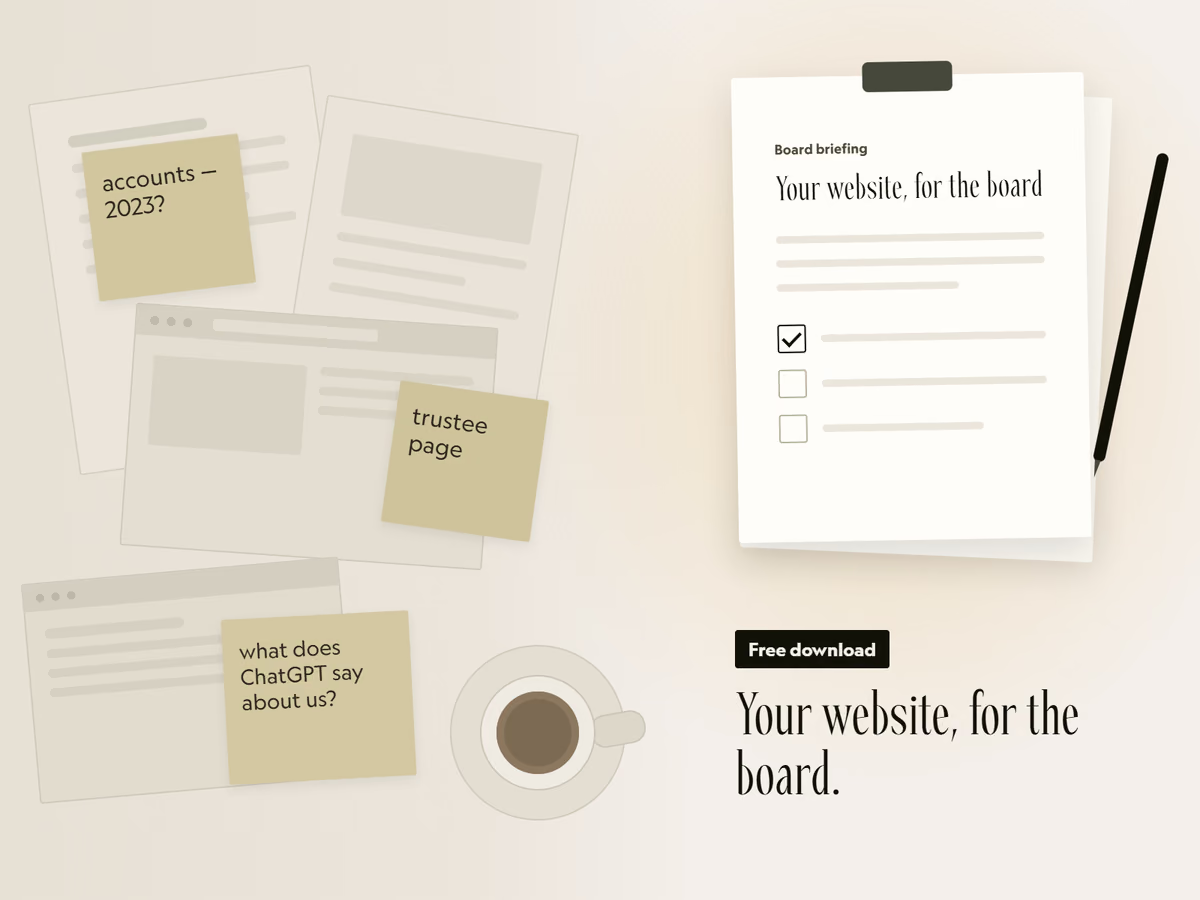
Free download
Your website, for the board.
A two-page briefing you can fill in and put in the next board pack. It covers the six things funders check, how to see what AI tools say about you, and the options to put to trustees.
That did not send. Email hello@socialectric.com and we will send you the briefing. The spam check did not finish. Try again, or email hello@socialectric.com and we will send you the briefing.
Frequently asked questions
- What is Weglot?
Weglot is a third-party translation service added to an existing website with a script. It machine-translates your pages, stores the results in its own dashboard where your team can edit them, and serves each language at its own subdomain or subdirectory address. It is a candidate worth evaluating, not a recommendation. The install steps are in Weglot's documentation.
- What are the alternatives to Weglot?
Built-in localisation, if your platform offers it, such as Webflow Localize. On a custom build, translated pages can be ordinary pages at their own addresses. Other translation layers exist too, so compare any of them on the same questions: does each language get its own address, can your team correct the text, what can be excluded, and what happens at the word limit?
- How much does Weglot cost?
Weglot's pricing page, read on 4 November 2026, lists a free plan of 2,000 words and one translated language, Starter at €15 a month for 10,000 words and one language, and Business at €29 a month for 50,000 words and three languages, before VAT, with higher plans above them. The word total covers all your languages and is a fixed limit that does not renew. The page lists no nonprofit discount.
- How much does a multilingual website cost for a charity or nonprofit?
There is no single figure, because the cost is the tool plus the staff or translator time to review and maintain every language. Control it by translating selectively: the pages that matter most to that audience, with the rest left in the primary language. Machine translation is metered on built-in tools such as Webflow Localize and on Weglot, and a single long blog post can use more of the allowance than expected.
- Is the Google Translate website widget good enough?
No. Google's 2020 post restricts it to government, non-profit and non-commercial websites focused on COVID-19 response, and points everyone else at its Cloud Translation API. Because the translation happens in the browser, there is nothing for search engines to index, and you have no way to correct what visitors see.
- What does Weglot not translate?
Text inside images, because it translates HTML text rather than image content, though it can swap in a translated image or PDF you have produced separately. Content inside a donation form's iframe stays untranslated unless you control the iframe and can install the snippet there, so set up translated donation forms in the donation platform itself. Linked PDFs stay in their original language until you swap them.
- Which pages must be kept in sync, and which can stay in English?
Always translated and kept current: homepage, navigation labels, programme and service pages, about, contact, privacy and cookie policies, and any page linked from communications aimed at that language audience, typically updated within a week of a material change. Translated at launch and updated when significantly revised: team pages, governance documents, FAQs and general resources. Usually left in the primary language, with a note saying so: blog posts and news, case studies and event listings, translating an individual post when it is particularly relevant.
- What content needs extra care when it is translated?
Safeguarding policies, privacy policies, terms of use and any legally significant content must be reviewed by someone with legal or sector expertise in the target jurisdiction, not only language fluency, because machine translation of legal language is particularly unreliable. Keep a glossary of programme names and brand terms that should not be translated. The ownership side is covered in multilingual website governance for international NGOs.