Webflow Backups and Version Control for Nonprofits
A practical guide to understanding and using Webflow’s backup and version control features — covering automatic backups, manual backups, site export, and disaster recovery for nonprofit websites.

Webflow Backups and Version Control for Nonprofits
Your website is institutional infrastructure. Like any infrastructure, it needs a backup strategy — a plan for what happens if something goes wrong, whether that is an accidental deletion, a broken update, or a platform incident.
Most nonprofit Communications Directors do not know how their website is backed up, whether backups exist at all, or how to restore the site if something breaks. This is a governance gap. If your Board asked ‘what happens if the website goes down?’ you should have a documented answer.
How Webflow Backups Work
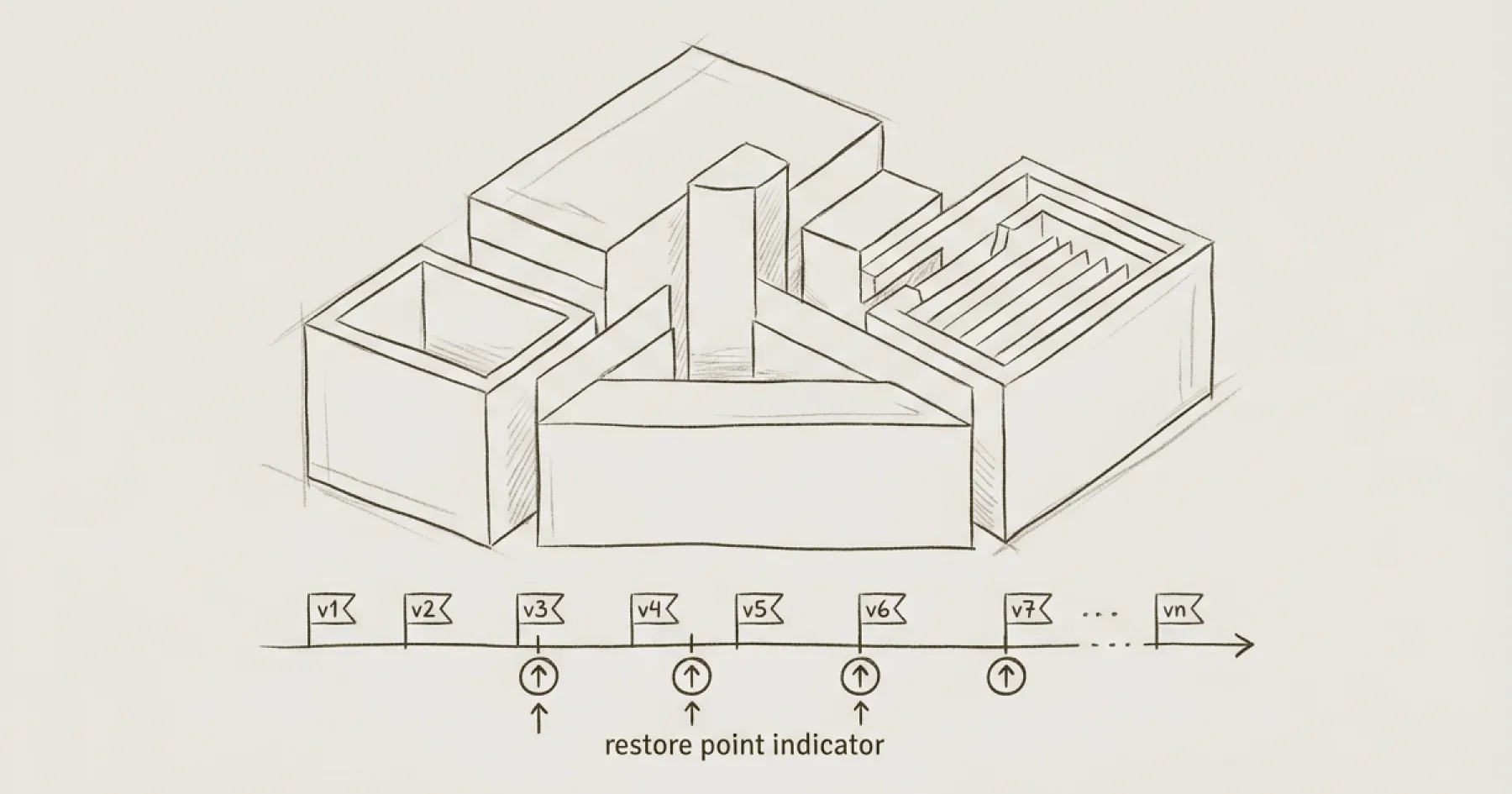
Webflow automatically saves your work as you make changes in the Designer. Every change creates a version in the site’s history. You can access previous versions and restore them if needed.
Automatic backups. Webflow maintains a version history of your site. On Workspace plans, you can access and restore previous versions through the site’s settings. The number of available backup points depends on your plan level.
Manual backups before major changes. Before making significant structural changes — navigation reorganisation, template modifications, or CMS restructuring — create a manual backup by cloning the site or exporting the code. This gives you a known-good state to return to if the changes cause problems.
Site export. Webflow allows you to export your site’s code (HTML, CSS, JavaScript) on paid plans. This is not a full backup of the CMS content or Designer configuration, but it provides a static snapshot of the published site that could be deployed elsewhere in an emergency.
What Webflow Backups Do Not Cover
Webflow’s version history covers the Designer configuration — page structure, components, styles, and interactions. It does not independently back up CMS content in a way that allows granular restoration of individual items.
If you accidentally delete a CMS item (a blog post, a programme page, a team member profile), it may not be recoverable from Webflow’s version history alone. This is why CMS content governance matters: having a clear process for who can delete content and requiring confirmation before destructive actions.
Third-party integrations, custom code in embeds, and assets uploaded to the CMS are not independently backed up by Webflow. If you have custom code that is critical to site functionality, maintain a separate copy outside Webflow.
Setting Up a Backup Strategy
Document what exists. Log into your Webflow workspace and check what backup and version history features are available on your current plan. Document this in your website governance policy.
Establish a pre-change backup process. Before any significant site change, clone the site or export the code. This takes five minutes and provides a safety net that has saved multiple client sites from irreversible mistakes.
Maintain custom code separately. If your site uses custom JavaScript, CSS, or schema markup in page-level custom code fields, keep copies in a separate document or repository. Webflow’s code editor does not have its own version history for custom code.
Review the backup strategy annually. Include backup and disaster recovery in your annual website governance review. Confirm that backups are accessible, that the person responsible for the site knows how to restore a previous version, and that the process is documented.
Disaster Recovery
If something goes seriously wrong — a major accidental change that breaks the site, a security incident, or a platform outage — the recovery process depends on what happened.
Accidental Designer changes: Restore from Webflow’s version history. Navigate to site settings and find the backup/restore feature. Select a version from before the problematic change.
Accidental CMS deletion: If a CMS item has been deleted and published, it may not be recoverable through Webflow. This is why prevention (restricted delete permissions, confirmation processes) is more reliable than recovery.
Platform outage: Webflow manages hosting infrastructure. Outages are rare but do occur. If your organisation requires guaranteed uptime SLAs, this should be evaluated as part of platform selection.
For the governance framework that should include backup and disaster recovery provisions, see How to Create a Website Governance Policy. For CMS access controls that prevent accidental damage, see Webflow CMS Editor Access for Nonprofits.
Eric Phung has 7 years of Webflow development experience, having built 100+ websites across industries including SaaS, e-commerce, professional services, and nonprofits. He specialises in nonprofit website migrations using the Lumos accessibility framework (v2.2.0+) with a focus on editorial independence and WCAG AA compliance. Current clients include WHO Foundation, Do Good Daniels Family Foundation, and Territorio de Zaguates. Based in Manchester, UK, Eric focuses exclusively on helping established nonprofits migrate from WordPress and Wix to maintainable Webflow infrastructure.
Not sure where your site currently stands?
A Blueprint Audit tells you exactly what needs to change — and why.
Before implementing anything new, it's worth knowing what your current site is and isn't doing for your stakeholders. The Blueprint Audit gives you that clarity in two to three weeks.
Related Resources
Webflow Backups and Version Control for Nonprofits
A practical guide to understanding and using Webflow’s backup and version control features — covering automatic backups, manual backups, site export, and disaster recovery for nonprofit websites.
Join our newsletter
Subscribe to my newsletter to receive latest news & updates
